Png To Stl

3D file basics

So, what is png to stl online?

If you are asking what is png to stl online, it means using a browser-based process to turn information in a PNG image into a three-dimensional STL mesh. The result depends on whether the image is interpreted as an outline or a height map.

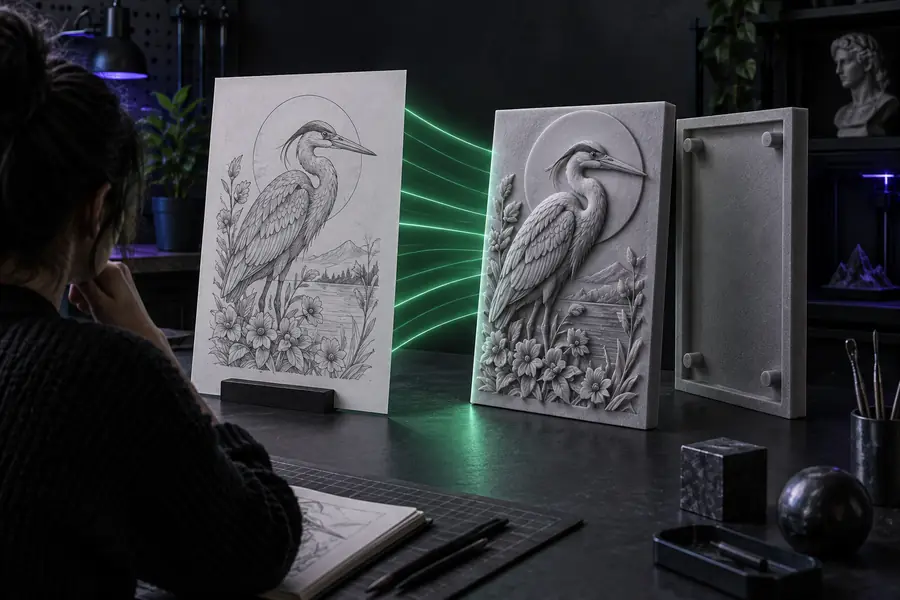
Image-to-3D conversion visual

How it works

The meaning assigned to each pixel determines the kind of model you get.

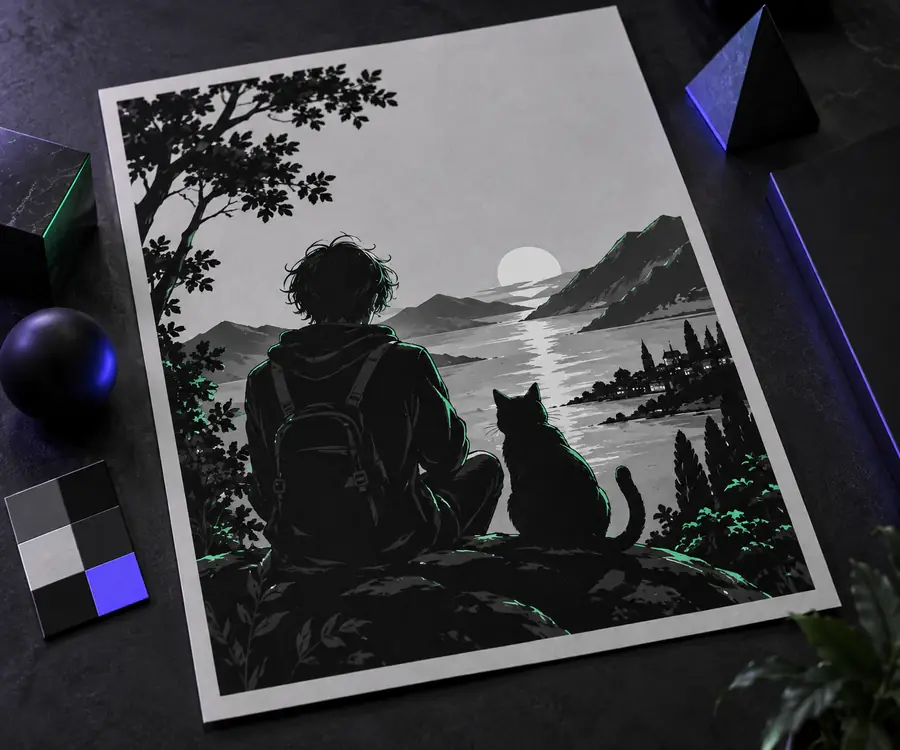
Visual example of an image becoming a raised 3D shape Outline

1

An outline becomes a raised shape

For a logo or simple drawing, a converter can trace the visible boundary and give that shape thickness. This approach suits signs, stamps, badges, and flat-backed decorations. Clean edges and strong contrast usually produce a more legible outline than a busy photograph.

  • Transparency can help separate the subject from its background.
  • Thickness must be chosen; it is not stored in the PNG.
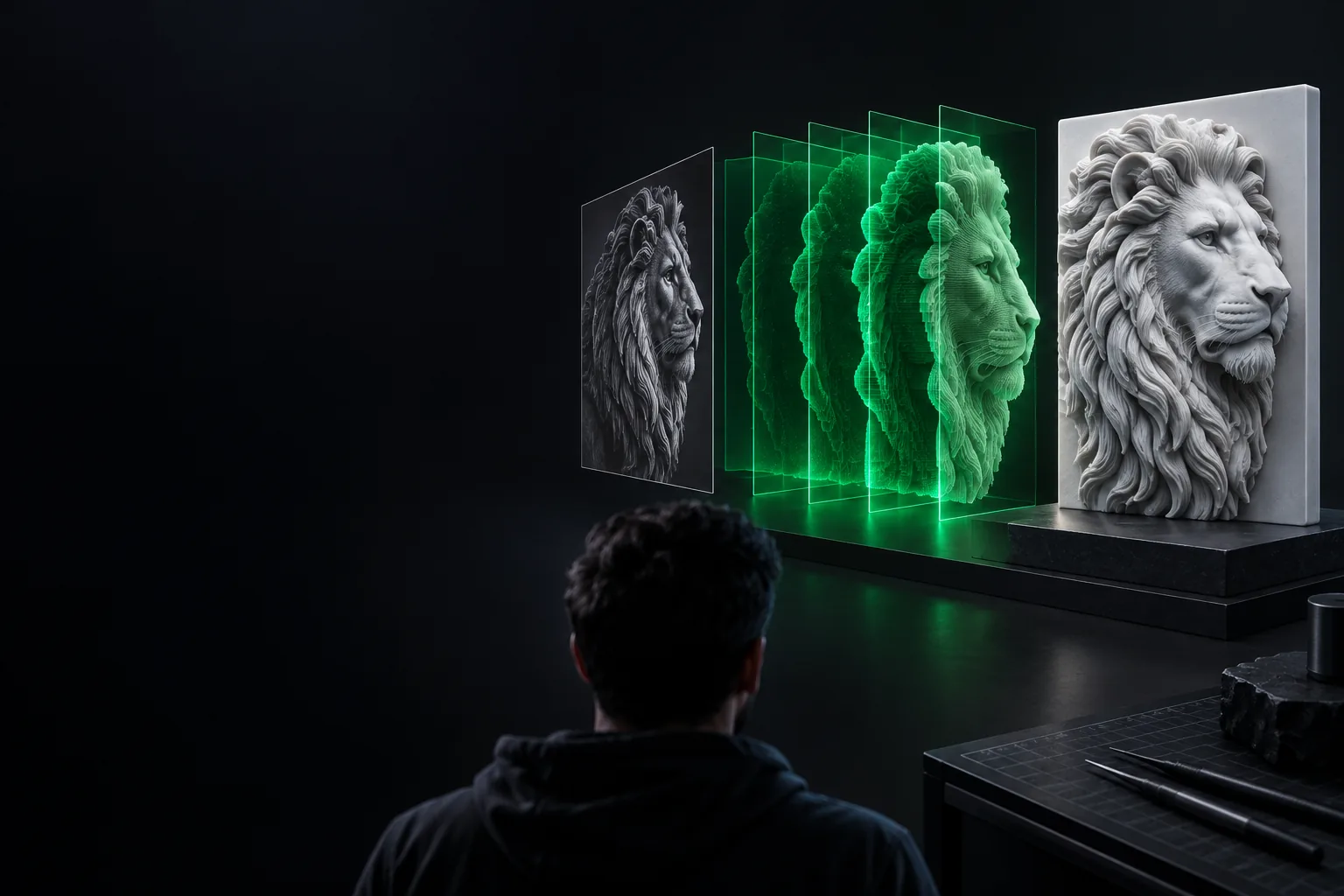
Visual example of image brightness represented as surface height Height map

2

Brightness becomes height

For a height map, the converter assigns heights to light and dark pixels according to its settings, then joins those heights into a surface. A grayscale image can therefore become a relief or terrain-like tile. The chosen height range changes the model even when the source image stays the same.

  • Smooth gradients tend to make smoother transitions.
  • Which tones rise highest depends on the conversion settings.
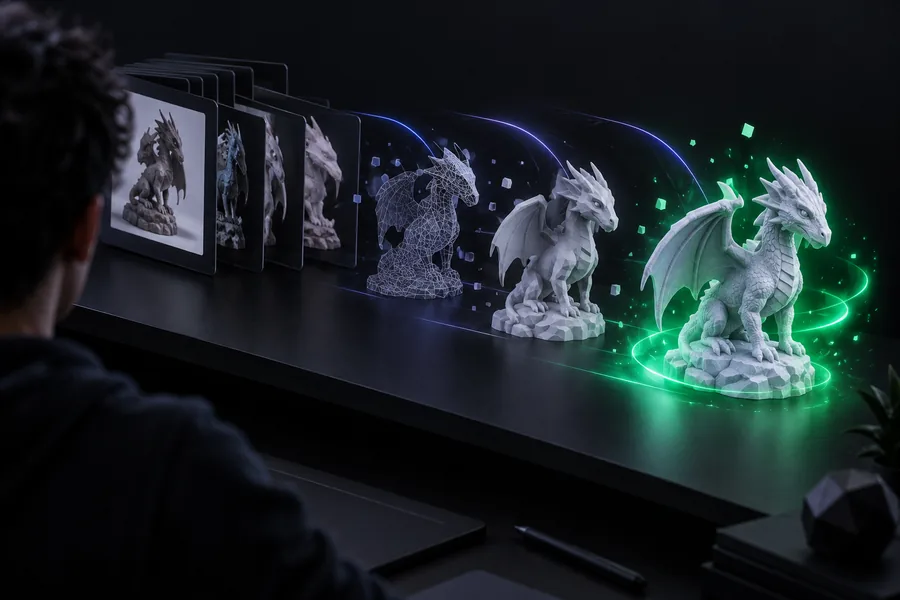
Visual example of a triangulated 3D surface Mesh

3

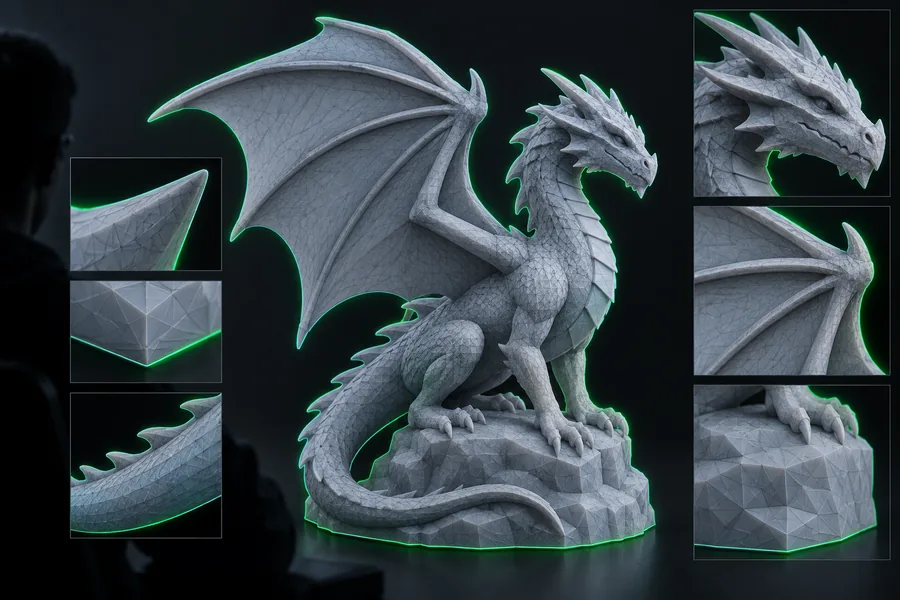
The surface becomes an STL

The resulting shape is represented by connected triangles and saved as an STL file. STL carries geometry, but it does not preserve the PNG as an editable image layer. Before printing, inspect the mesh and set its intended physical size in your modeling or slicing workflow.

  • Fine image detail may require more triangles.
  • A visible preview does not by itself confirm printability.

Choose the interpretation that fits

When

Your PNG is a bold icon, wordmark, or silhouette.

Then

Choose outline tracing and extrusion.

It keeps the recognizable boundary and adds a deliberate, even thickness.

When

Your PNG uses tonal variation to describe depth.

Then

Choose a height-map relief.

Pixel brightness can produce a textured front surface instead of a simple flat top.

When

You need a complete object with accurate hidden sides.

Then

Model it from references instead.

Neither conversion method can infer geometry that is absent from a single image.

From pixels to mesh

  1. 1

    Prepare the source

    Start with a clear PNG. Remove stray background pixels for an outline, or use deliberate grayscale values for a height map.

  2. 2

    Choose how depth is assigned

    Select an outlined extrusion or a brightness-based relief, then adjust thickness or height to suit the intended shape.

  3. 3

    Inspect the STL

    Check the preview for missing areas, rough edges, or exaggerated peaks. Open the exported mesh in a slicer or modeling tool to verify scale and geometry.

Once the definition is clear, the right next step depends on your source file and intended use.

Can / cannot do

PNG to STL conversion is useful for image-led shapes, but the source cannot answer every design question.

  • Cannot recover unseen geometry

    A front-facing picture says nothing certain about the back, interior, or side profile of the subject.

    WorkaroundUse additional views and build those parts in a 3D modeling tool.

  • Cannot preserve color in ordinary STL

    The mesh represents shape; the source PNG's colors are not retained as a printable texture.

    WorkaroundKeep the original image separately or use a color-capable workflow when color matters.

  • Cannot guarantee a printable solid

    Thin features, disconnected islands, and open surfaces may create problems in a slicer.

    WorkaroundInspect the mesh, join or repair problem areas, and confirm adequate thickness.

  • Cannot know the intended scale

    Pixels alone do not specify how wide or tall a finished object should be in physical units.

    WorkaroundSet and verify dimensions before exporting or slicing the final model.

Who uses it

Makers use PNG to STL for relief art, raised lettering, simple emblems, and image-based prototypes when a flat picture is the starting point.

Required Optional
  • A PNG with a clearly identifiable subject or intentional grayscale depth

    Required

    The image must contain a boundary or tonal pattern the conversion can interpret.

  • A choice between outline extrusion and height-map relief

    Required

    The same PNG can produce very different shapes under these methods.

  • A target physical size if the STL will be printed

    Required

    Check dimensions in the receiving modeler or slicer.

  • A mesh viewer or slicer for a final geometry check

    Optional

    Especially helpful for detecting thin walls and disconnected pieces.

What changes between input and output

  • PNG: pixels
  • STL: surface

This is a conceptual before-and-after comparison, not a promise that every image produces the same shape. The selected depth method and settings determine the STL.

Illustrative PNG source image for conversion
Illustrative three-dimensional result

Turn a suitable image into a starting mesh

Try an image-led 3D workflow

Start with a clean PNG, decide whether its outline or brightness should control depth, and inspect the resulting geometry before treating it as a finished model.

Try image conversion
  • Best suited to clear silhouettes or deliberate height maps
  • Check scale and mesh quality before printing

Its own FAQ

It contains enough information to guide an extrusion or a height-map relief. It does not contain a complete 3D description, so thickness, height, and any unseen surfaces must be supplied or inferred by the chosen method.

It is commonly used to turn simple image outlines into raised designs or grayscale images into relief surfaces. The STL can then be inspected and, when suitable, prepared for 3D printing.

No. A photograph may produce a surface based on its brightness, but shadows and highlights are not reliable measurements of depth. Creating an accurate all-around model requires more information than one PNG provides.

Not necessarily. Check its physical dimensions, thickness, connected regions, and mesh integrity in a slicer. Small image details can become fragile or disappear at the chosen print size.

Start converting
Start converting